When you purchase items through our links, we may earn a commission.
Recommended Hardware
StreamShuttle should support any camera that supports RTP/RTSP or ONVIF (an IP camera discovery protocol). Searching reviews for "RTSP" or "ONVIF" will usually give you a good idea of whether the device will work.
If you have a camera that you know works well, please let us know and we'll add it to the list.
Gotchas
Amcrest
Many of the "SmartHome" branded cameras require the app for features such as two-way audio. Basic audio and video will generally still work as expected. This may change in the future, but for now it's best to avoid the "SmartHome" branded items.
Reolink
Some Reolink cameras have an issue where video stream latency increases over time. The feed will initially be only a second or two behind, as expected, but after running for a day it may be 10 seconds or more behind. This issue is not specific to StreamShuttle.
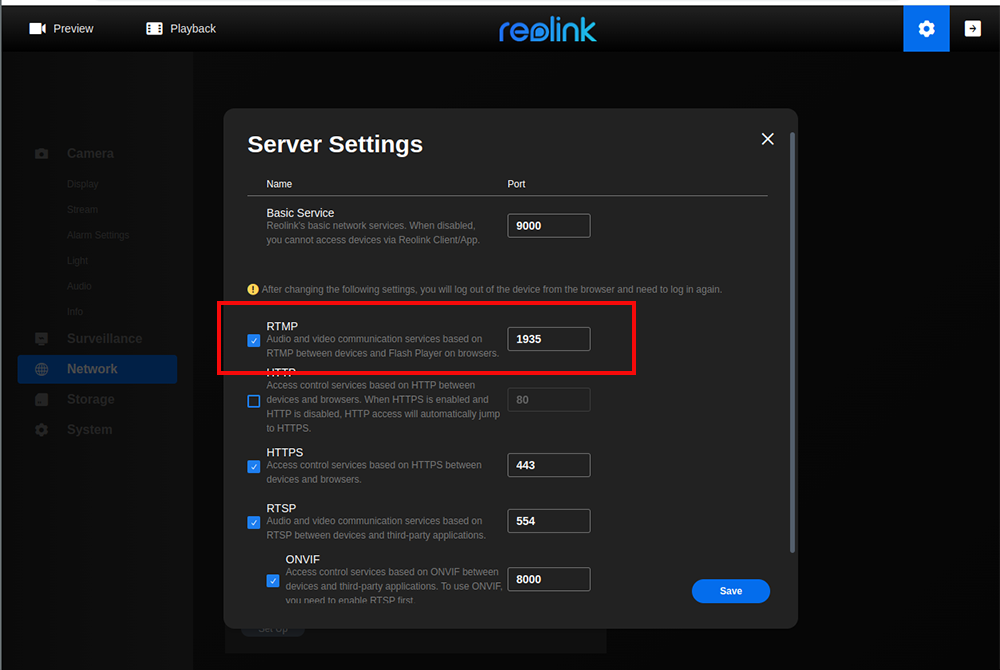
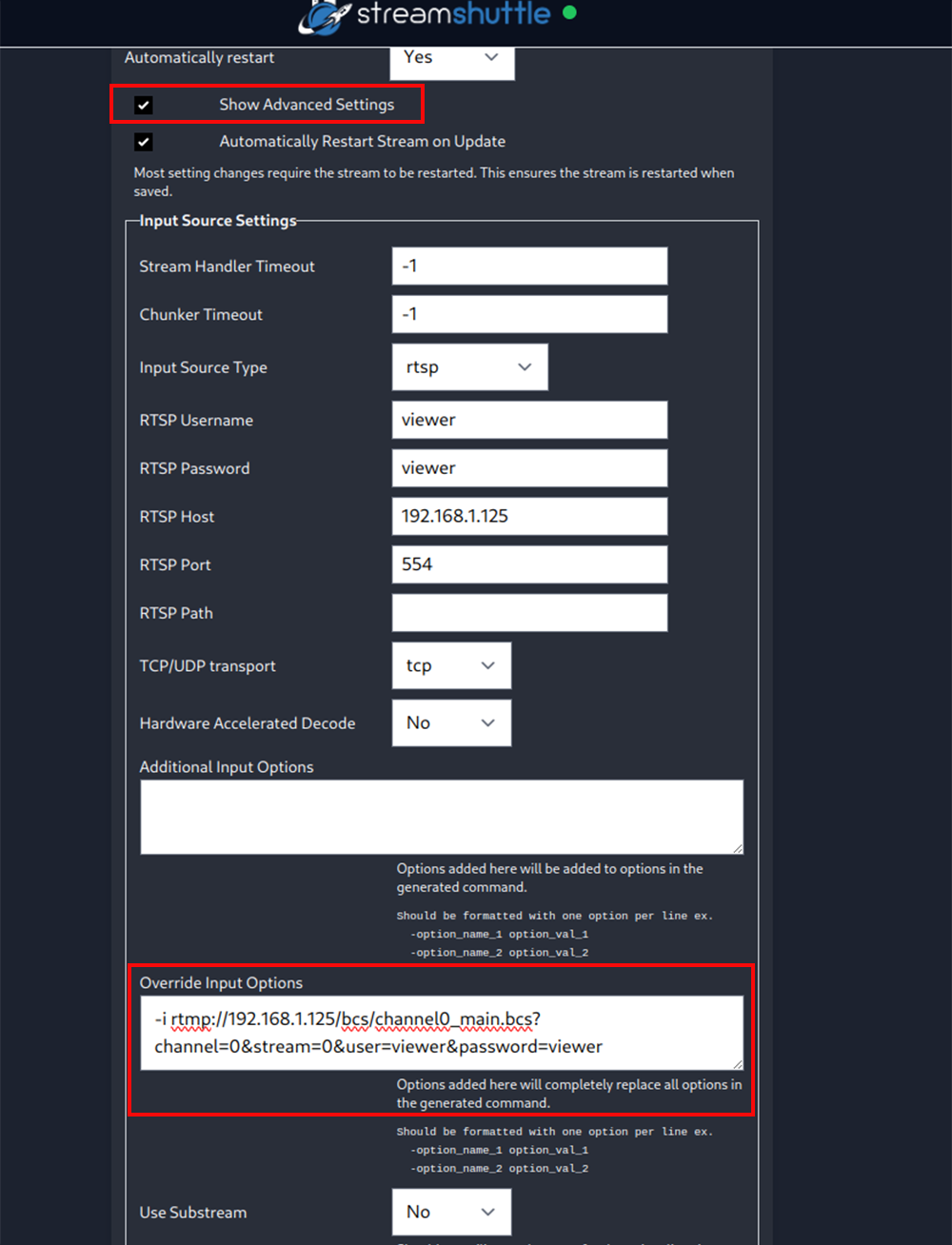
Devices
Example configurations can be imported when creating a new device, making it as easy as possible to get up and running with known devices.
Doorbells

Cameras
Indoor - Pan Tilt Zoom
| ||||||||||
| ||||||||||
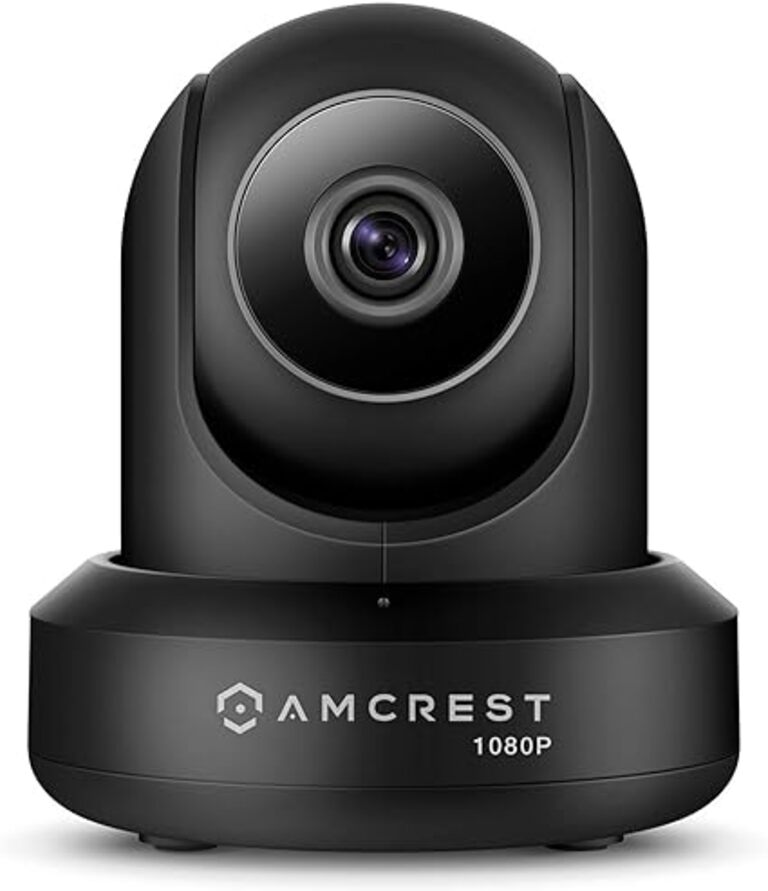 | Manufacturer: Amcrest | Model: IP2M-841(B/W) | IP2M-841(B/W) | |||||||
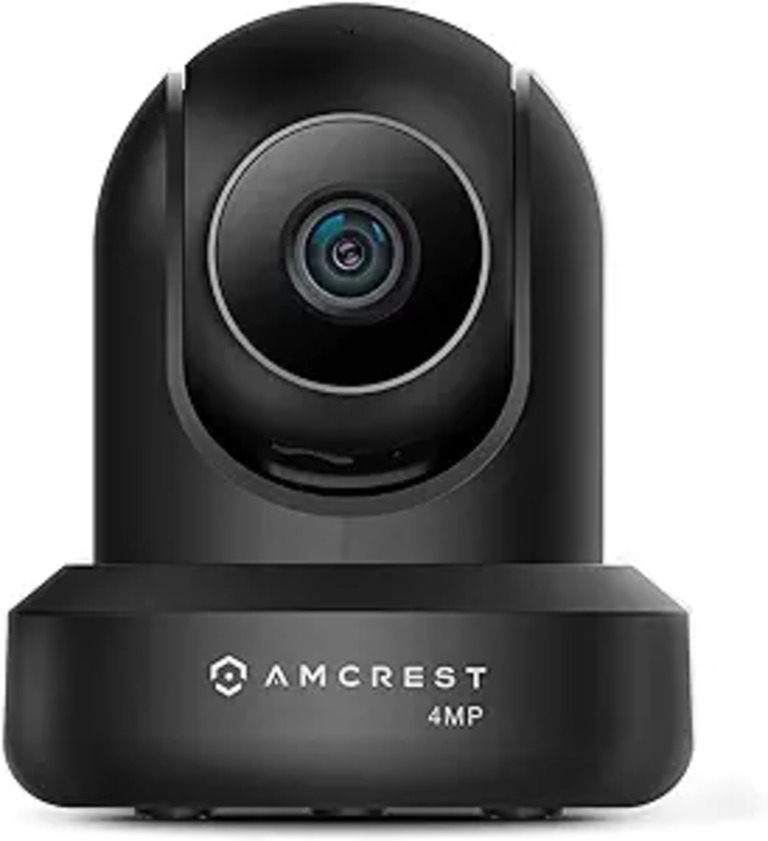 | Manufacturer: Amcrest | Model: IP4M-1041(B/W) | IP4M-1041(B/W) | - | ||||||
Outdoor - Bullet
| ||||||||||
 | Manufacturer: Amcrest | Model: IP5M-B1186E(B/W) | IP5M-B1186E(B/W) | - | ||||||
* After importing an example configuration, you will need to update a few fields.
You will need to update the RTSP Username, RTSP Password, RTSP Host, and Live Audio Settings -> URL fields.
Replace 192.168.1.100 with your camera's IP address in the RTSP Host field.
Replace cameraUser with your camera username in the RTSP Username field.
Replace cameraPassword with your camera password in the RTSP Password field.
Replace 192.168.1.100 with your camera's IP address in the Live Audio Settings -> URL field.